
Invoice international clients,
and actually get paid.
Send a professional invoice in any currency, share a pay-link your client can open from anywhere in the world, and stop chasing payments by hand.
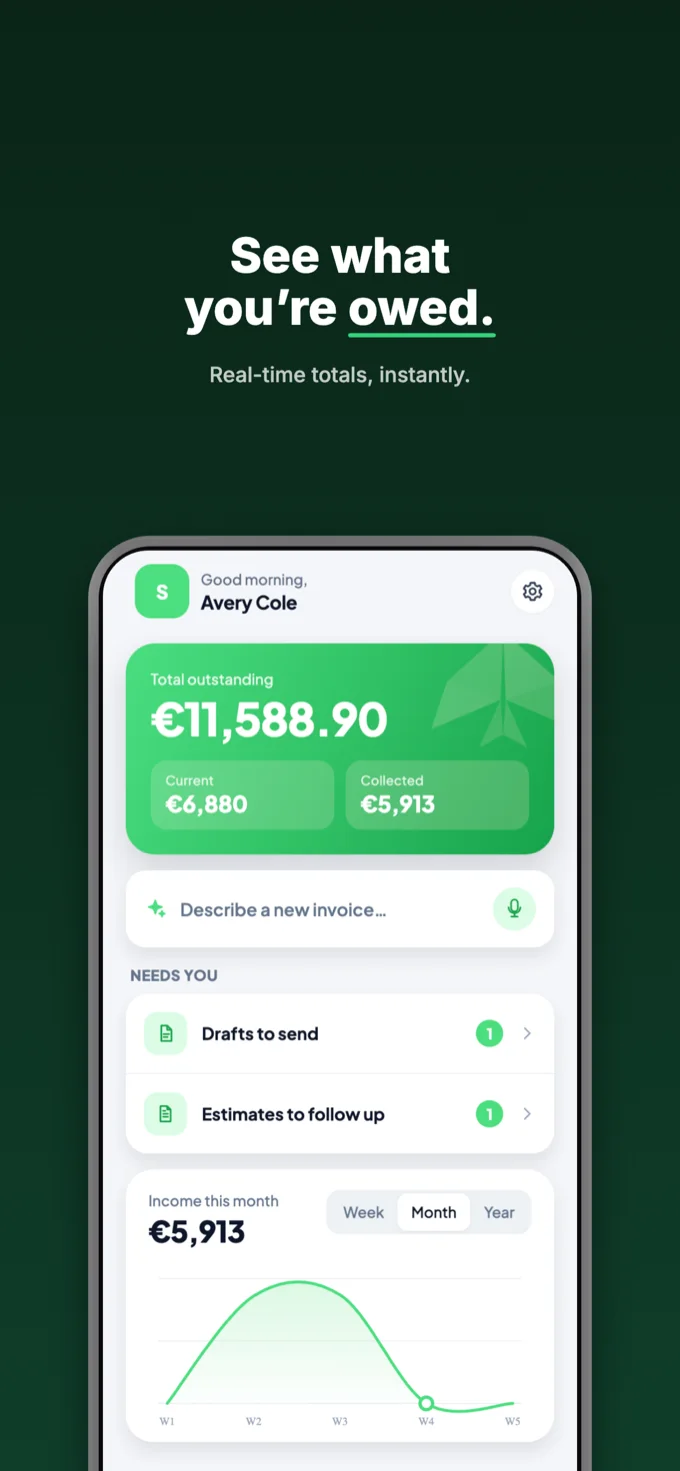
Real screens, not mockups
Every shot below is the actual app.
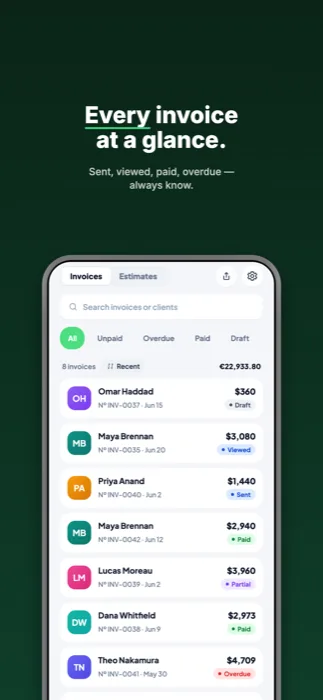
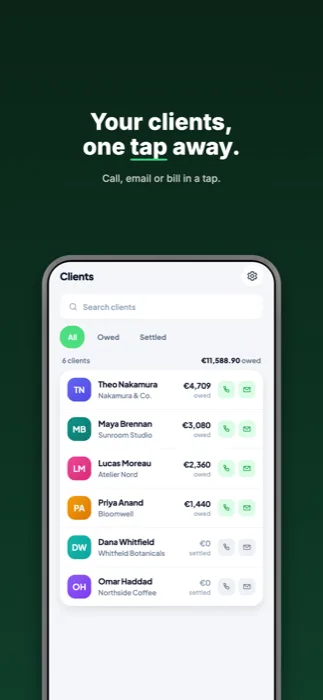
Everything you need to bill across borders
The hard part of freelancing abroad isn't the work. It's getting the money in.
Any currency
Bill in your client's currency and see the equivalent in yours. Rates are frozen on the invoice, so your books don't move after you send it.
A pay-link that works anywhere
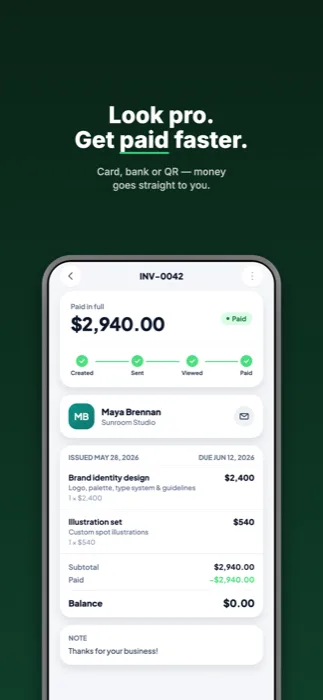
Share one link. Your client opens it in any browser, sees a clean invoice, and pays by card. No app, no account, no sign-up.
Get paid your way
Card payments settle straight to your own Stripe account. Or show bank details, a QR code, or your Wise, Payoneer or PayPal links, whatever your client can actually use.
Follow-ups that happen
See who's viewed an invoice and who's gone quiet. goInvoicer reminds you when it's time to chase, so overdue money doesn't quietly age.
AI that does the typing
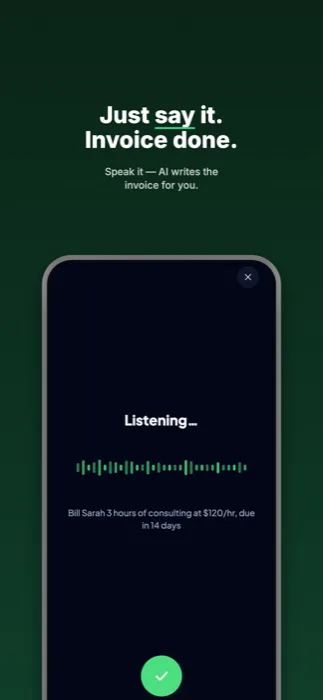
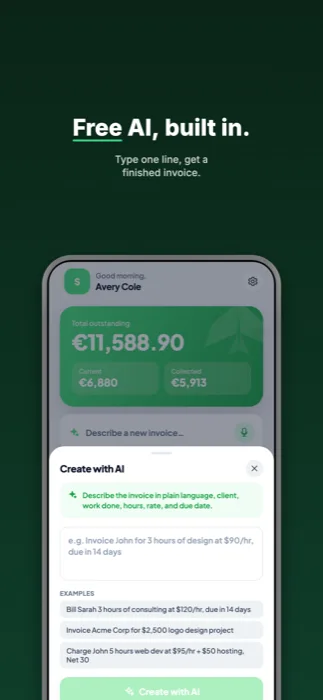
Describe the job in plain language, or snap a business card or receipt. goInvoicer drafts it and you review before anything is sent.
Yours, on your device
goInvoicer works fully offline and keeps your data on your phone. Sign in only if you want cloud backup and sync across devices.
From job done to money in
Three steps, about a minute.
Describe the work
Type or say what you did, the hours and the rate, or build it line by line, whichever is faster for you.
Send the invoice
Pick the currency, add your payment options, and send. Your client gets a link that opens anywhere.
Watch it get paid
See when it's opened, take card payments into your own account, and get nudged to follow up if it goes quiet.
Simple pricing
Start free. Upgrade only when you outgrow it.
Free
- Works fully offline, on your device
- 5 invoices a month with a free account
- 10 AI drafts a month
- Cloud backup once you sign in
Pro
- Unlimited invoices and estimates
- 150 AI drafts a month
- Live sync across every device
- Online card payments via your own Stripe account
- Expense tracking and every template
Pro is billed through the App Store and renews automatically. Cancel anytime in your device settings.
Questions
Do I need an account to use it?
No. goInvoicer works fully offline and everything stays on your device. Signing in is optional, it only adds cloud backup and sync across your devices.
How do my clients pay me?
You connect your own Stripe account, so card payments settle directly to you. We never hold your money and take no cut. You can also show bank transfer details, a payment QR code, or your Wise, Payoneer or PayPal links.
Does my client need the app?
No. They open a web link, see the invoice, and pay. No app, no account, nothing to install.
What does it cost?
goInvoicer is free to download and use, with a monthly cap on invoices and AI drafts. goInvoicer Pro removes the caps and adds live sync, online payments, and more for $9.99 a month or $59.99 a year. See pricing for the full breakdown.
How does the AI work, and is my data used to train it?
When you describe an invoice or scan a card or receipt, that text or photo is sent to our AI provider to read it, then discarded. It is not used to train their models. Every AI result is a draft you review and edit before it goes anywhere.
Can I delete my data?
Yes, at any time. Export everything as a JSON backup, or permanently delete your account and all its data from Settings → Delete my account. You can also request deletion here.